Contact Us
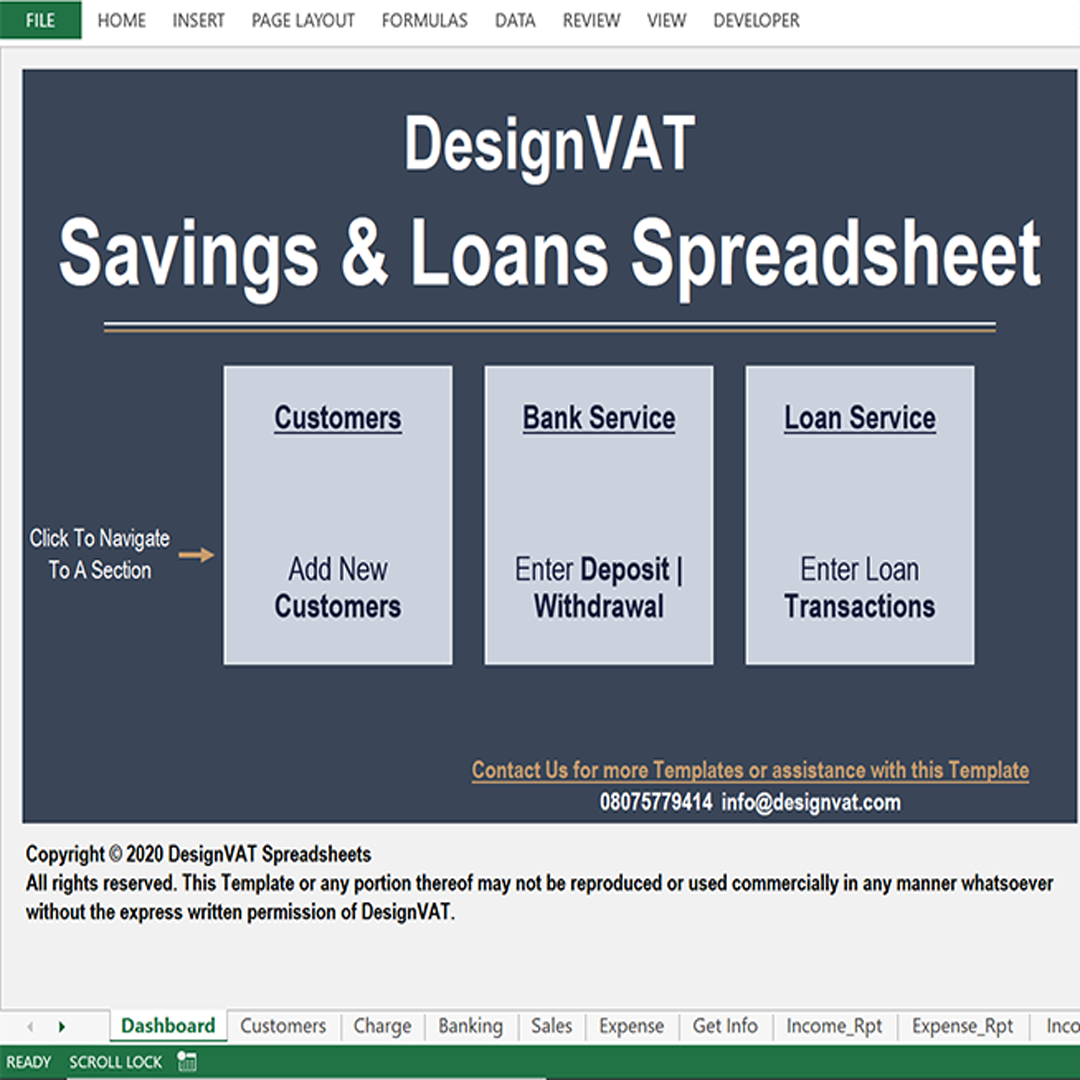
Manually tracking project data, customer payments, and contractor expenses can be overwhelming, especially for multiple projects. The DesignVAT Project Management Spreadsheet is designed for small businesses and service providers to centralize and automate project tracking.
✔ Create and manage multiple projects for different customers
✔ Assign contractors and employees to each project
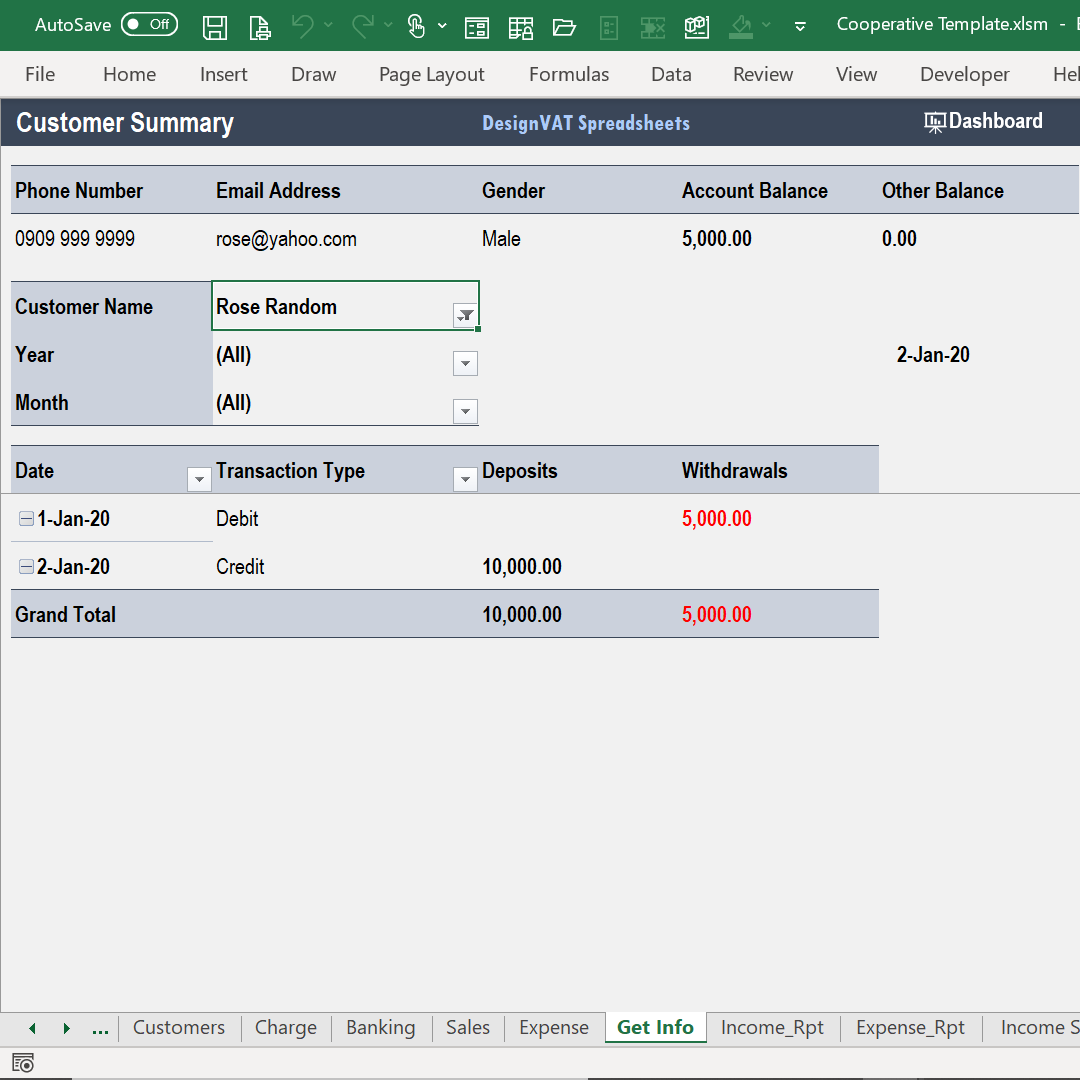
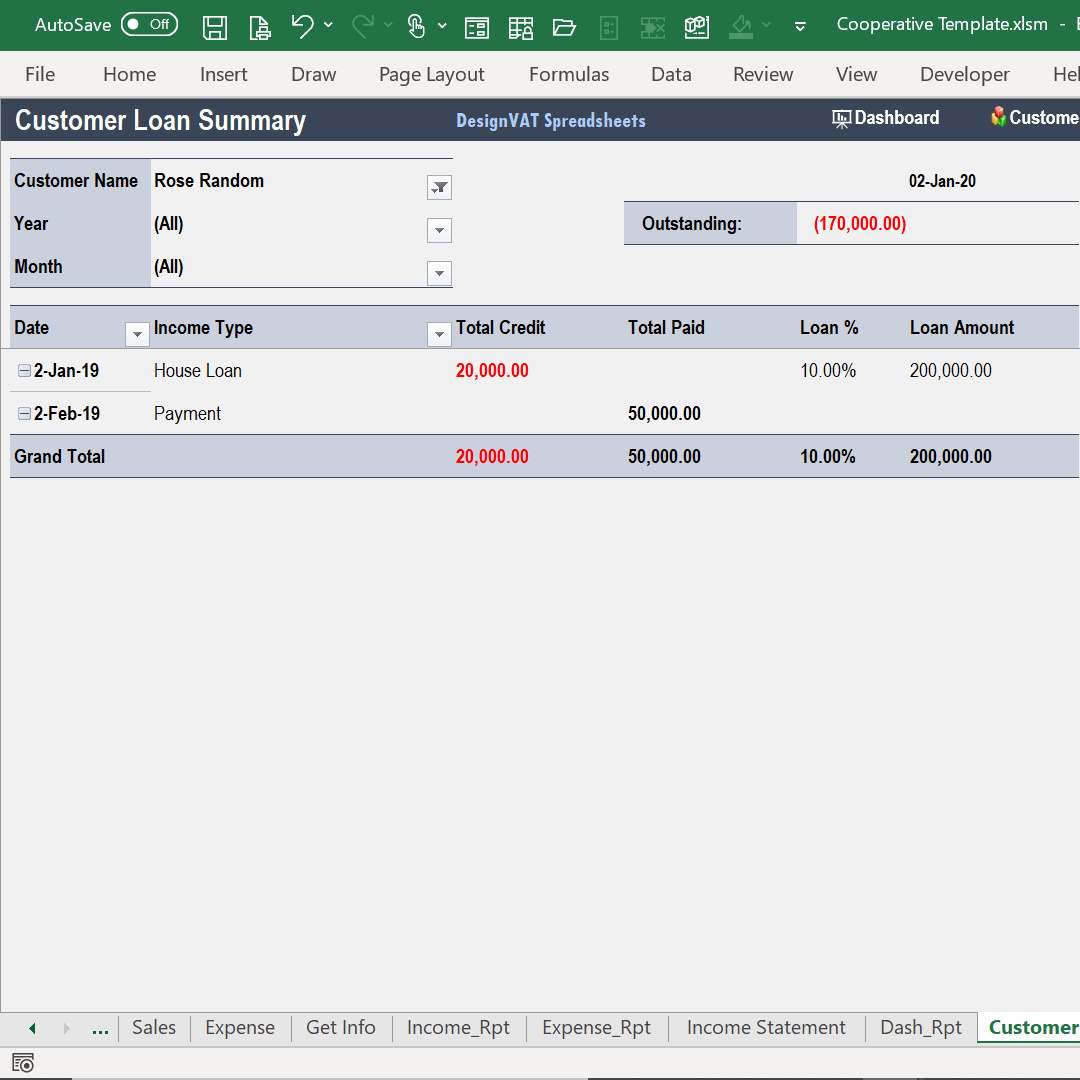
✔ Track customer payments and outstanding balances
✔ Record daily project expenses and categorize them
Order Now
Store essential details for all customers and contractors, including contact info, services, and project history.
Create projects, assign contractors and employees, track payments, and monitor progress in real-time.
Record daily project expenditures, categorize spending, and track monthly cost summaries to monitor profitability.
.Calculate total project costs, profits, and outstanding balances automatically, reducing errors and saving time.
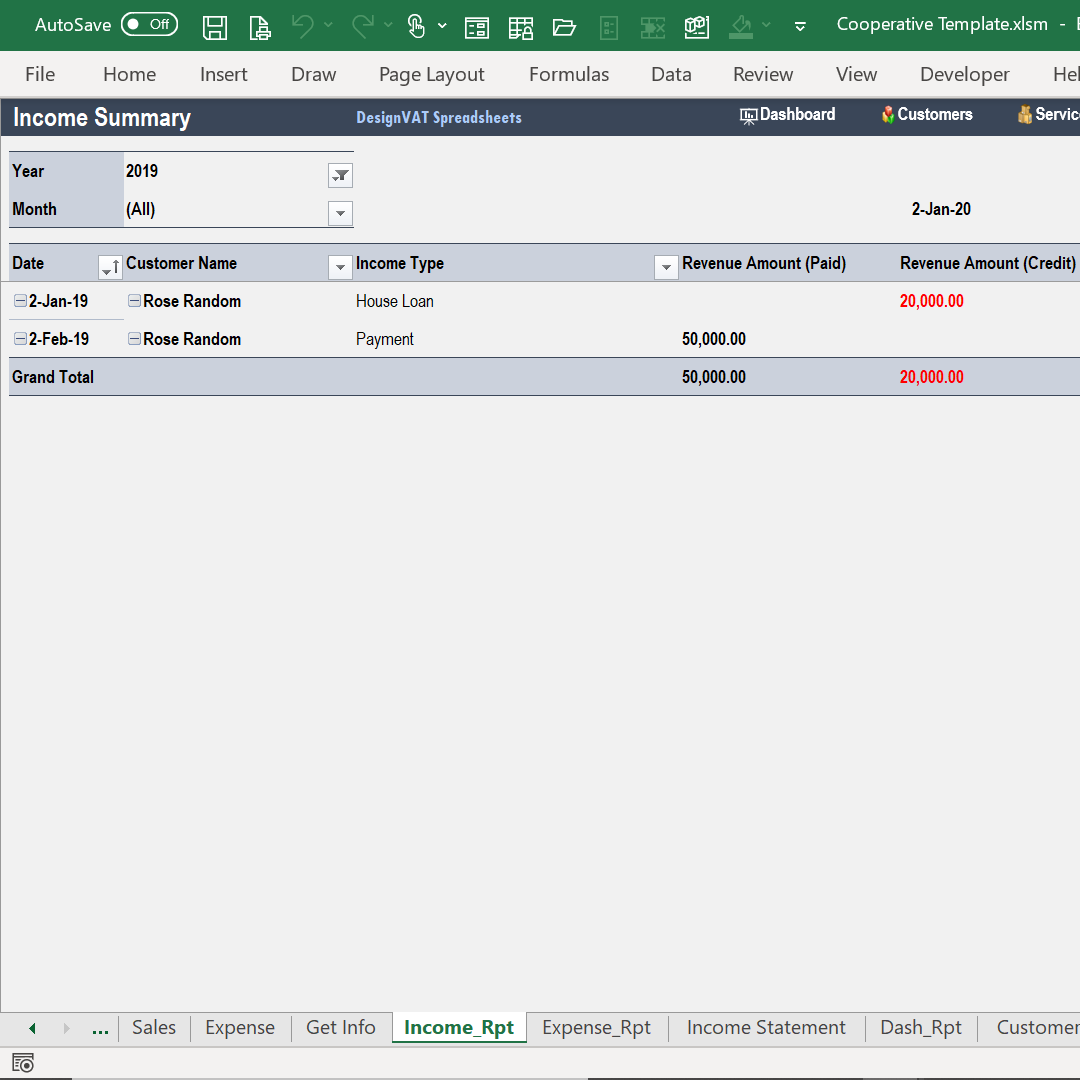
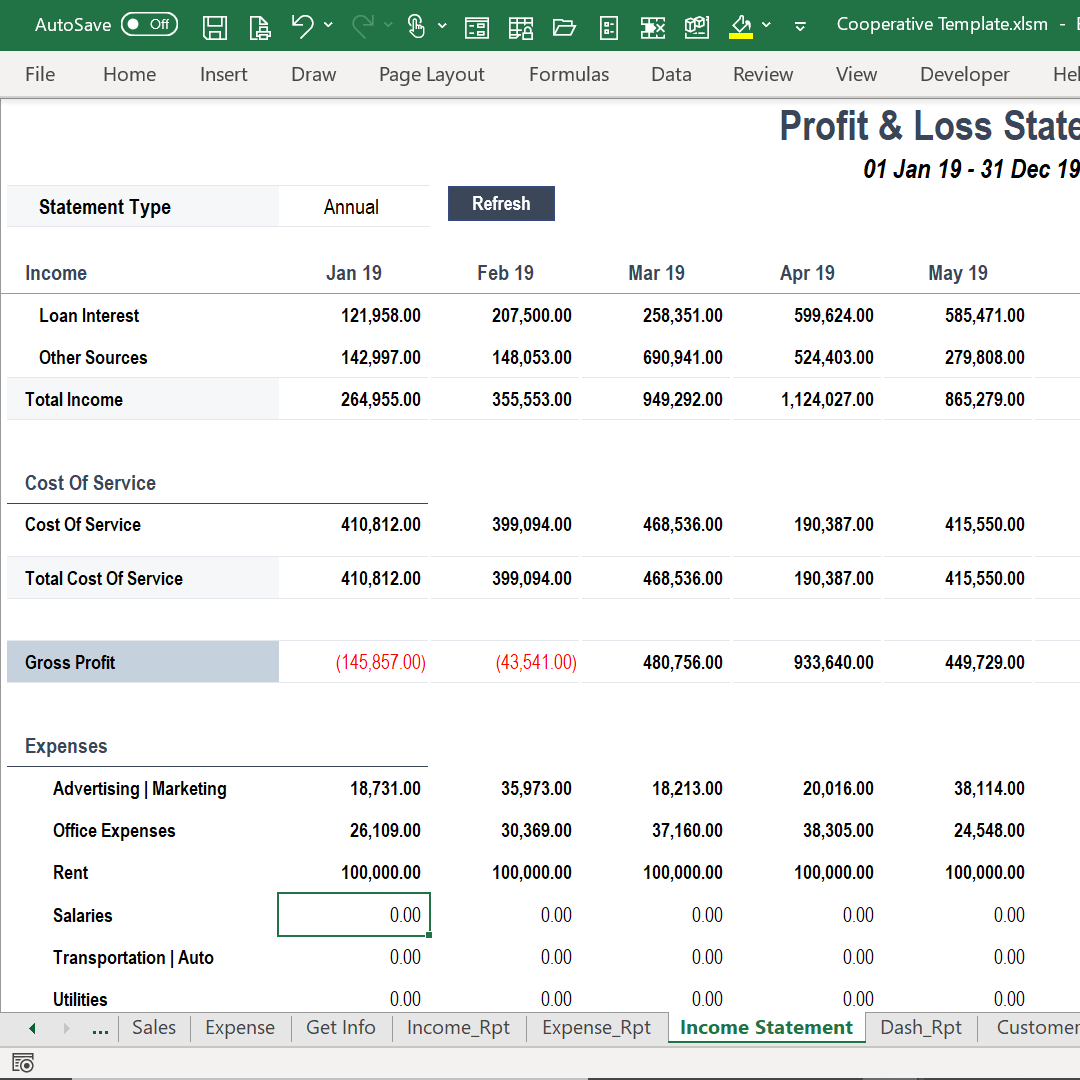
Generate Profit & Loss statements, income summaries, expense breakdowns, and top revenue months with one click.
- Get Summaries for any Specified Period
- Compare Monthly Spending By Expense Category and create Project Summaries
The Project Cost Summary gives you a detailed overview of labour, material, and operational costs for each project.
Think of it as a project “financial snapshot” that lets you monitor spending and profitability at a glance.
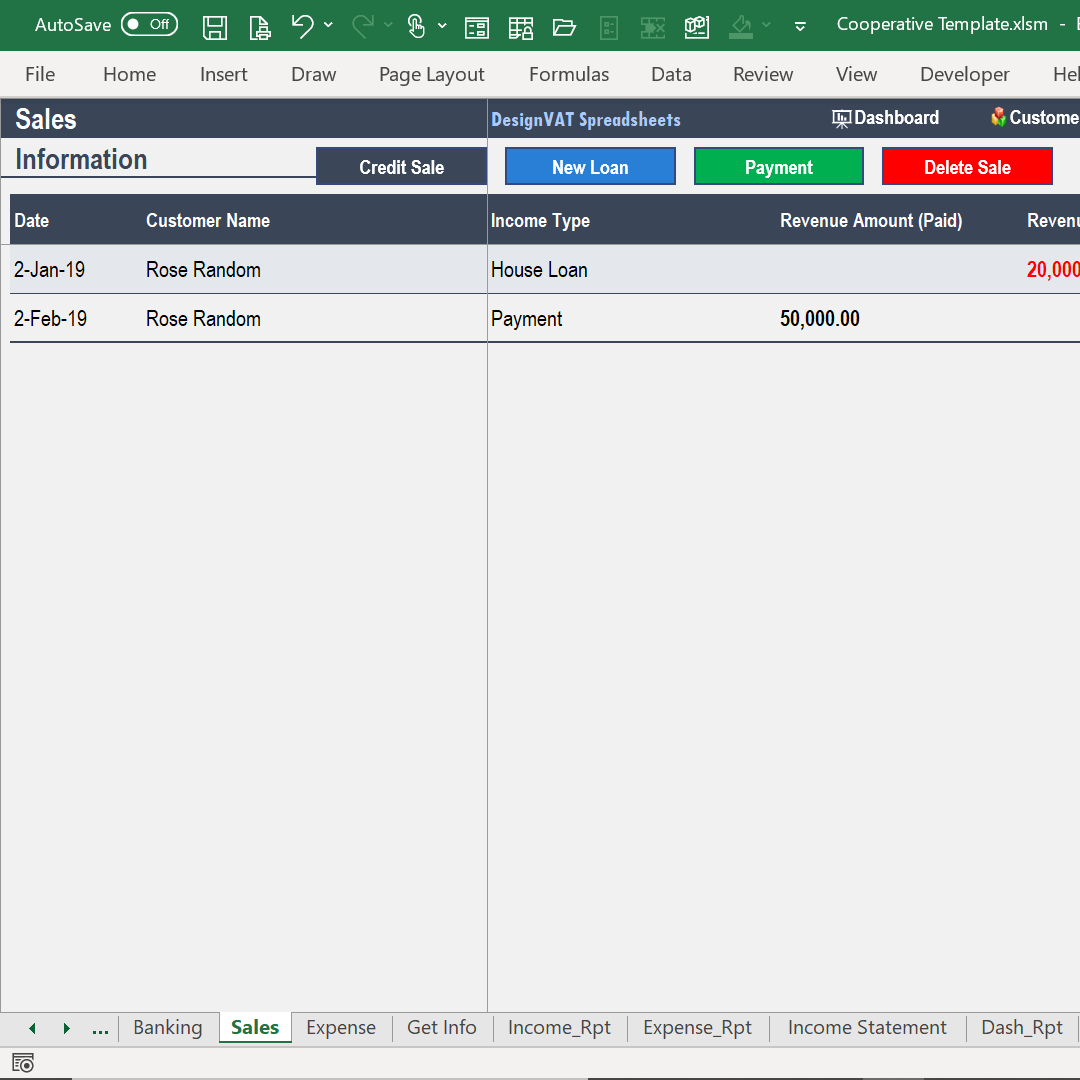
The spreadsheet automatically tracks all daily customer transactions.
For service-based business owners, staying on top of project costs is crucial. The Project Cost Summary:
Copyright © DesignVAT Spreadsheets
Distributed by :Themewagon