Contact Us
Track Assets. Control Usage. Know Where Everything Is: Every Day.
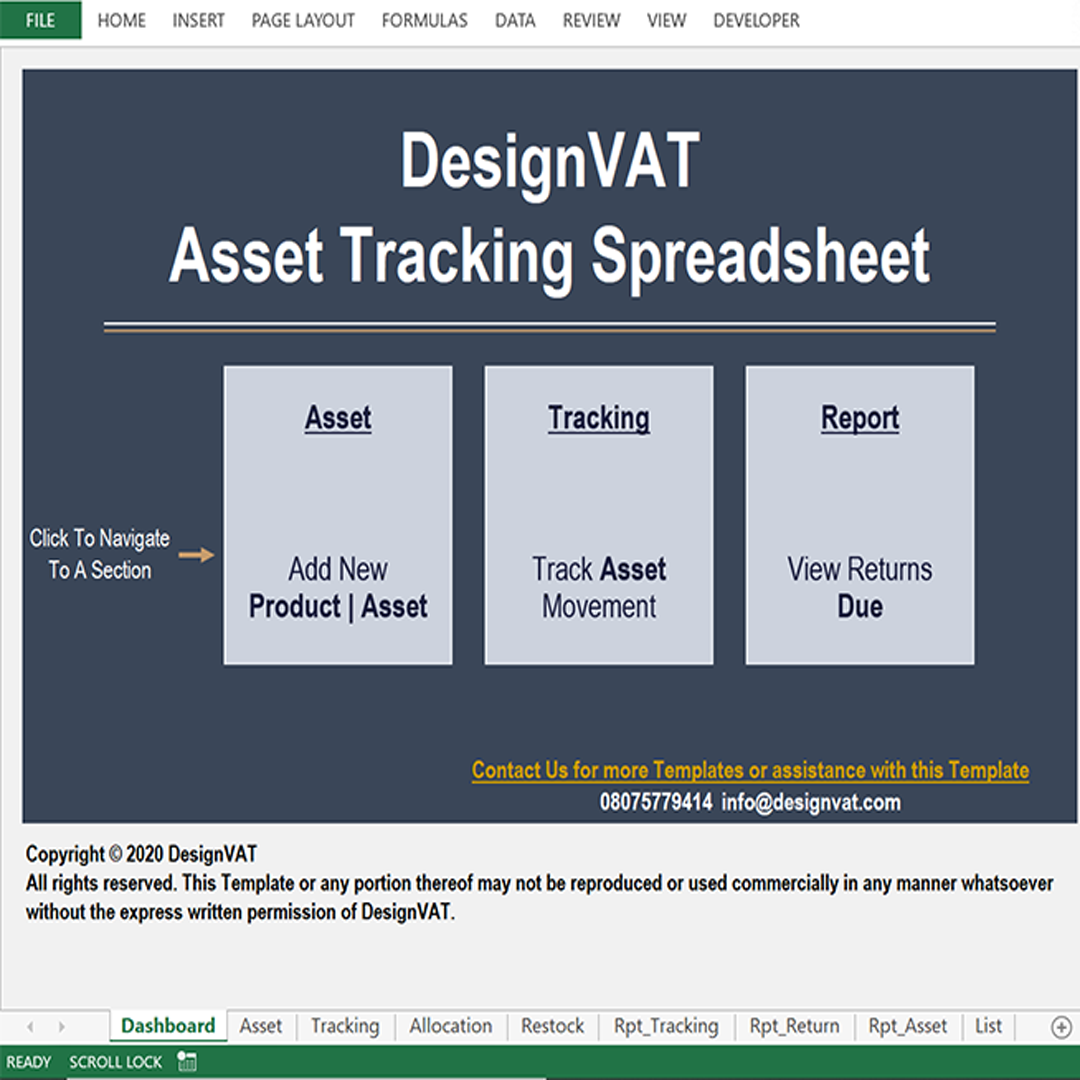
Every Business has Assets they occasionally move from one location to another and or assign from one employee to another. This Spreadsheet enables you track Asset Movement & Assignment, across Departments, Facilities and Employees.
If your business uses physical assets such as laptops, phones, office equipment, medical devices, tools, furniture, or machinery, you need a proper way to track them.
✔ Maintain a complete asset register
✔ Assign assets to staff, departments, or locations
✔ Track asset movement and transfers
✔ Know who is responsible for each asset
✔ Monitor asset condition and status
✔ Reduce asset loss and misuse
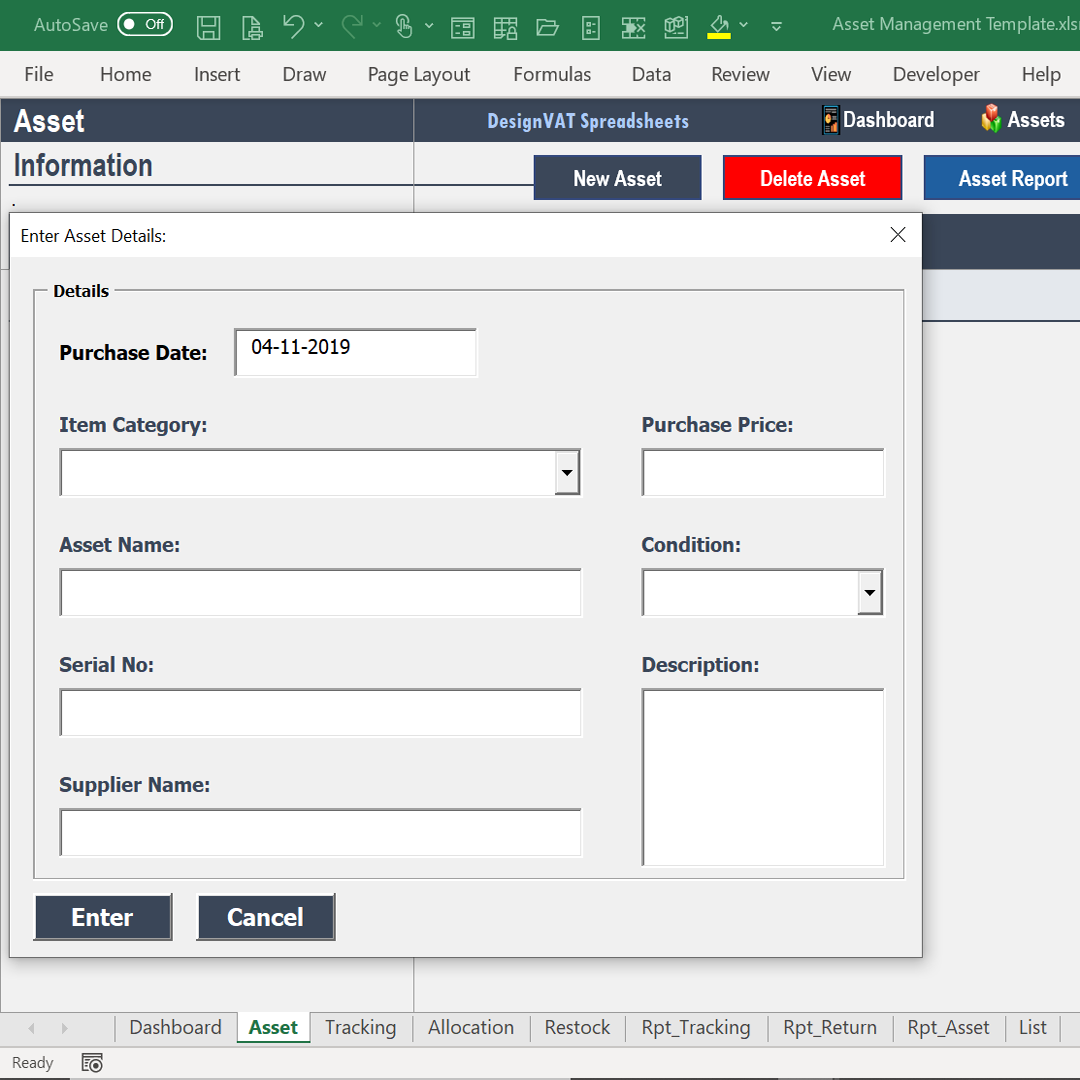
Create a complete asset database: [Asset Category | Asset Name | Asset ID | Purchase Date | Cost | Location]
Supports over 100 assets
Track Asset Details:
- Purchase information
- Current location
- Asset status (Active, Damaged, Retired)
Assign Assets to Employees
- Track who is using each asset
- Check in & Check Out Equipment
- Track Equipment Rentals & get reminders on those due for return
- Department & Location Tracking
Assign assets to offices, branches, or departments
- Assets by location
- Assets by employee
- Assets by department
- Active vs retired assets
- Missing or unassigned assets
- Record Incoming & Outgoing Inventory
- Pull Up Balance In Stock
- Top Buying Customers
- Top Revenue Months
- Current Month vs Last Month Sales Comparison
- Pull up comprehensive Asset Movement History
- Pull up comprehensive Equipment Rental History
Pull up comprehensive Asset Disposal History
Without proper tracking, assets get lost, damaged, or misused. This leads to wasted money, delays, and accountability issues.
If you’ve ever struggled to answer questions like:
- Who is currently using this asset?
- When was it last transferred?
- Has this asset been returned or replaced?
The Asset Movement Card solves that.
Asset History is a complete record of every place and person an asset has ever
been assigned to since it was created in the system.
Contact Us
Asset History helps you understand how each asset has been used over time.
This makes it easy to:
Track responsibility
Answer audit questions quickly
Identify misuse or frequent transfers
Know exactly where the asset has been and who used it
Copyright © DesignVAT Spreadsheets
Distributed by :Themewagon