Contact Us
DesignVAT Event Planning + Cashflow Spreadsheet enables you easily Create Events, Assign Vendors & most importantly monitor your Business Cashflow.
✔ Create and manage multiple projects for different customers
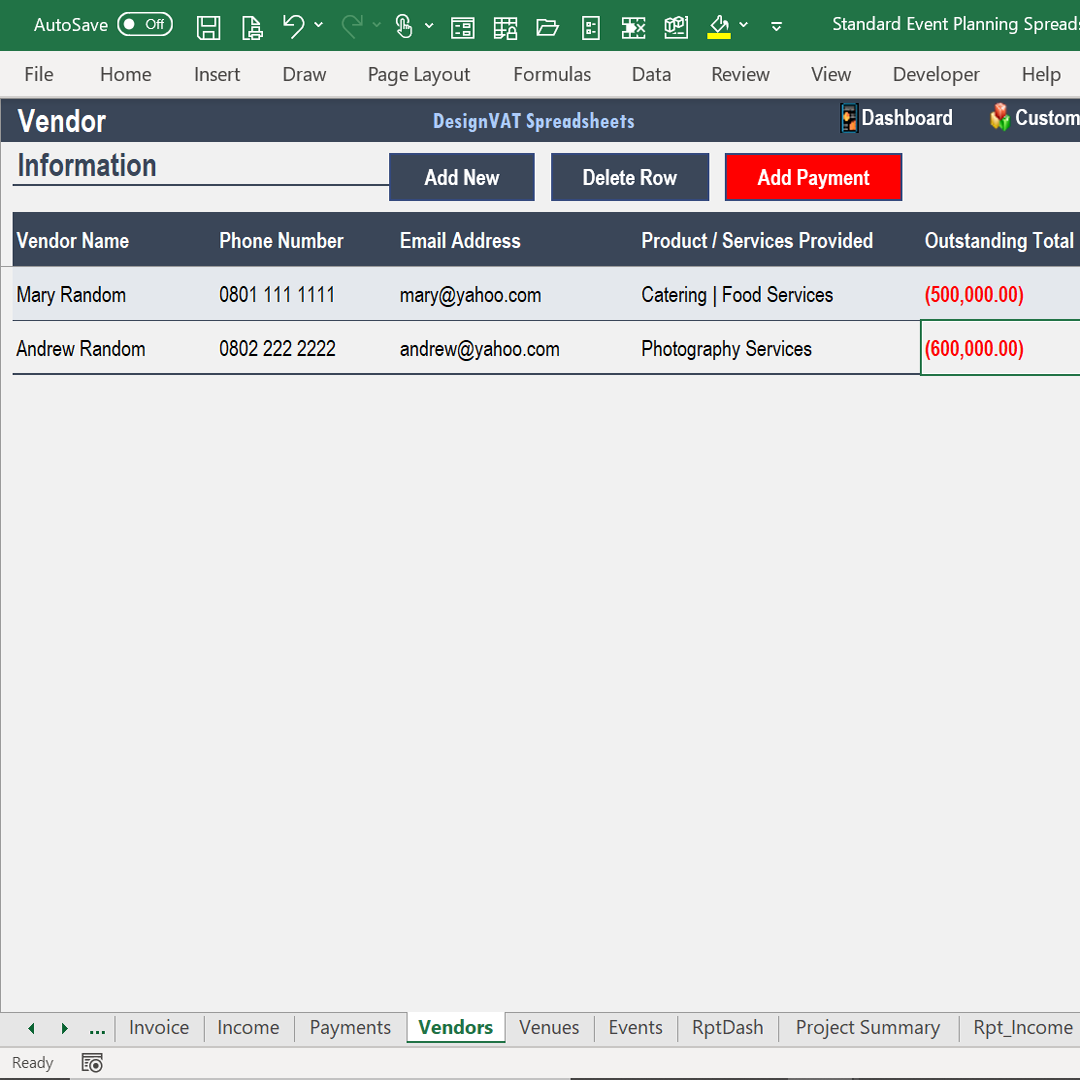
✔ Assign vendors and track their payments
✔ Record customer deposits and outstanding balances
✔ Track income, expenses, and net profit for each event
Order Now
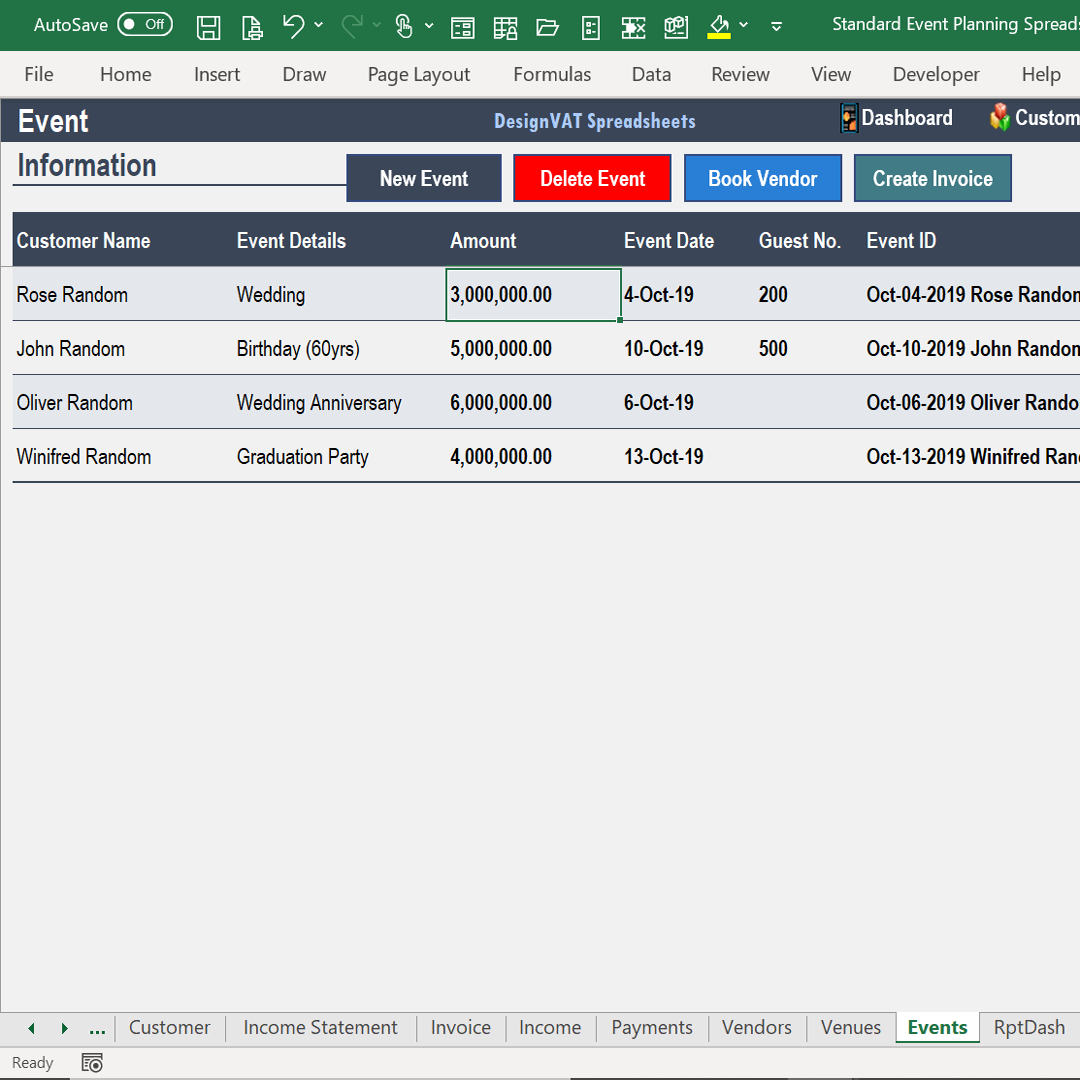
Organize multiple events, assign vendors, and link customer bookings all in one spreadsheet.
Record payments to vendors and monitor customer deposits and outstanding balances automatically.
Track income, expenses, and net profit per event, and generate cashflow summaries for better business decisions.
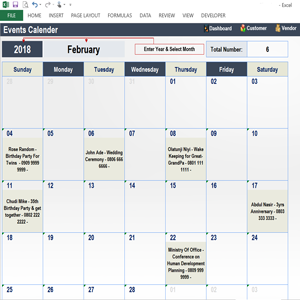
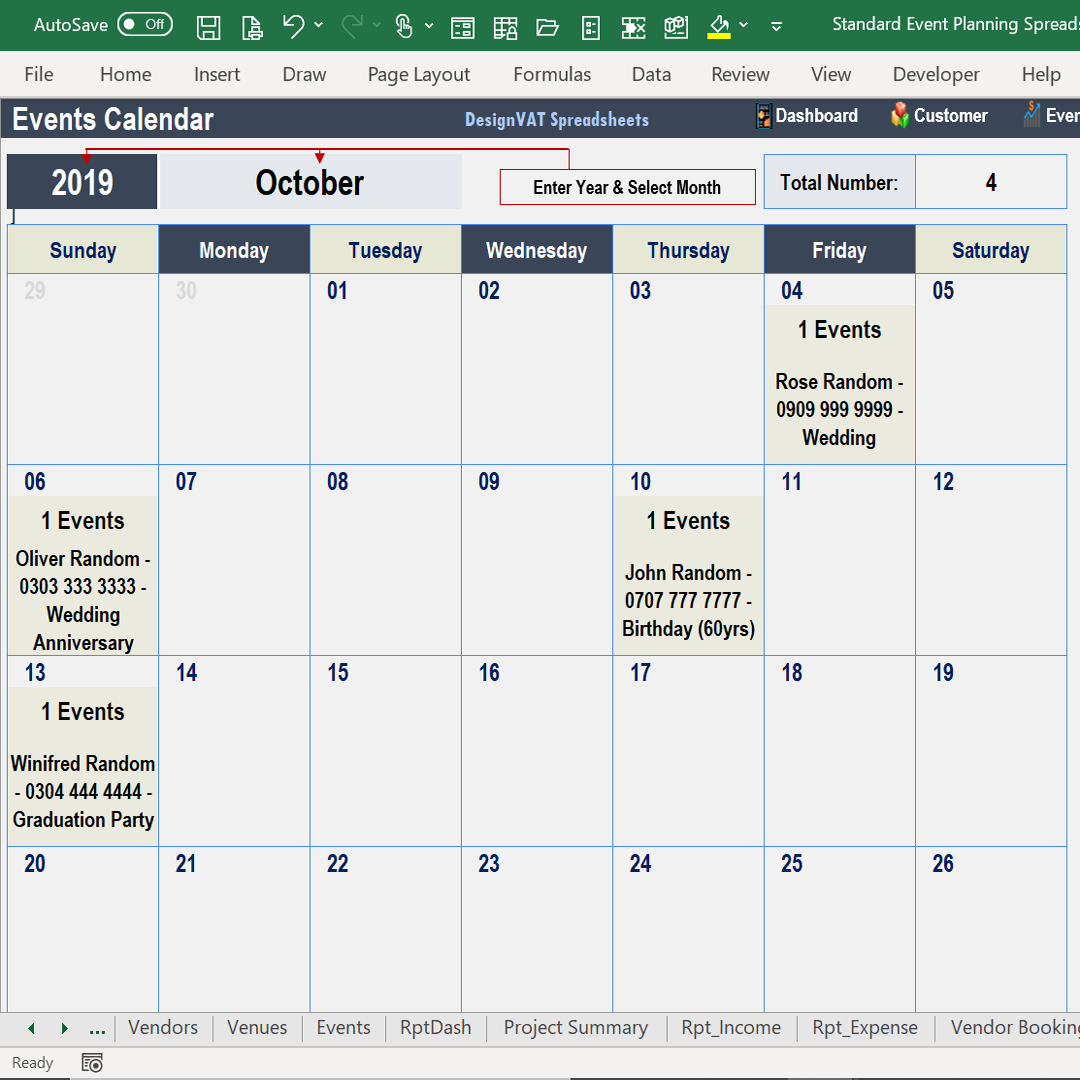
.Keep a schedule of event appointments and generate detailed event summaries to plan efficiently.
Define expense categories, record daily spending, and compare actual vs. budgeted costs per event.
Get a “bank statement” style report for each customer or event, showing deposits, payments, and outstanding balances.
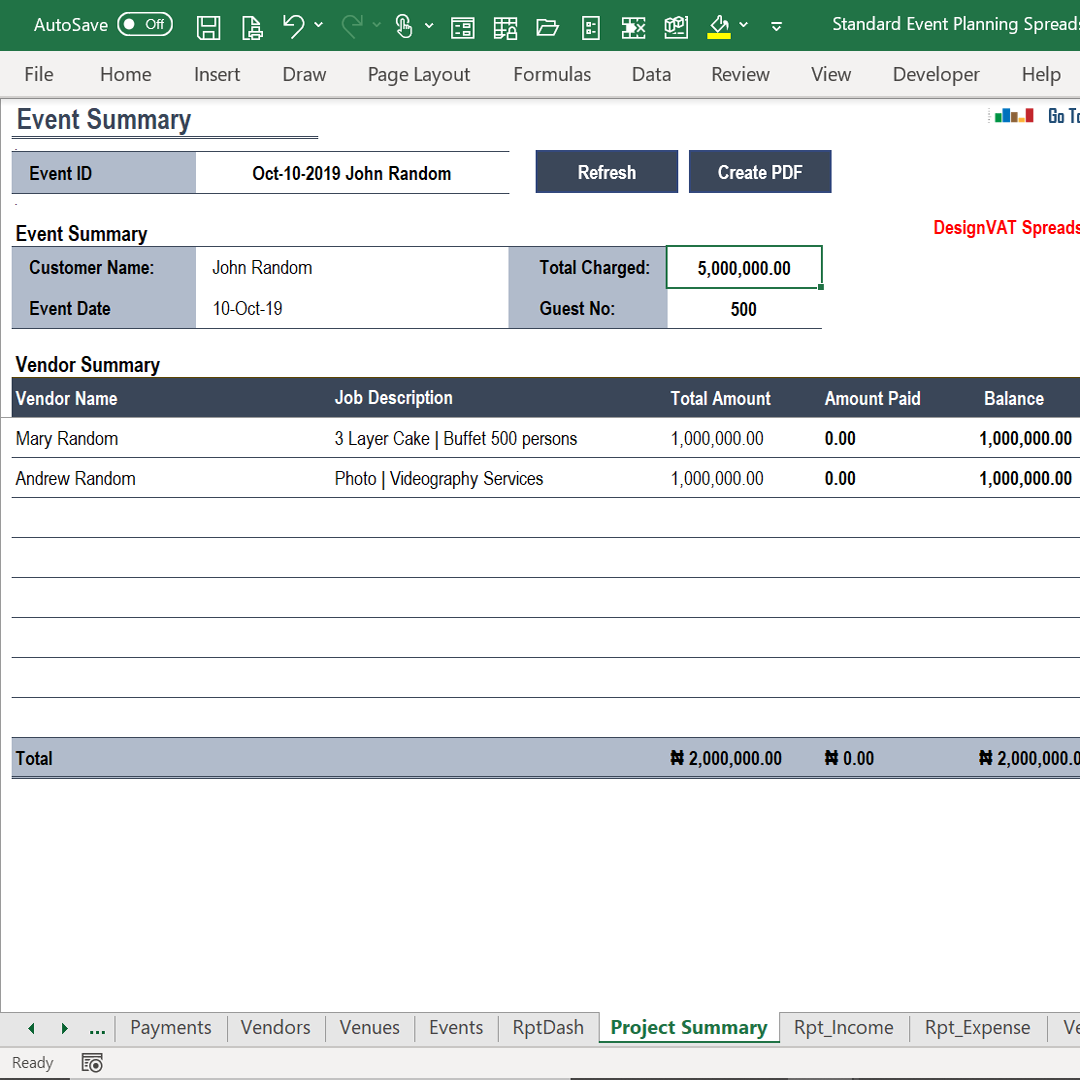
The Event Summary Report gives you a complete overview of the financial performance of
each event you organize.
It consolidates all income, expenses, vendor payments, and customer
transactions in one place, so you can easily see how much you earned, spent, and what is outstanding.
As you record transactions for an event, such as hall rental, decor, client payments, vendor invoices, and operational expenses, the spreadsheet automatically calculates:
Helps you understand the financial outcome of each event at a glance and provides a professional overview for clients, stakeholders, or management.
Copyright © DesignVAT Spreadsheets
Distributed by :Themewagon